Every few months someone asks me which is better: an NFC business card, a QR code, or one of the digital business card apps. They usually want a winner. I can give one, sort of, but the honest answer is that they’re arguing about the envelope and ignoring the letter.
Still, the envelope matters in a loud room. So here’s how each one behaves when you’re actually standing in front of someone.
The quick version
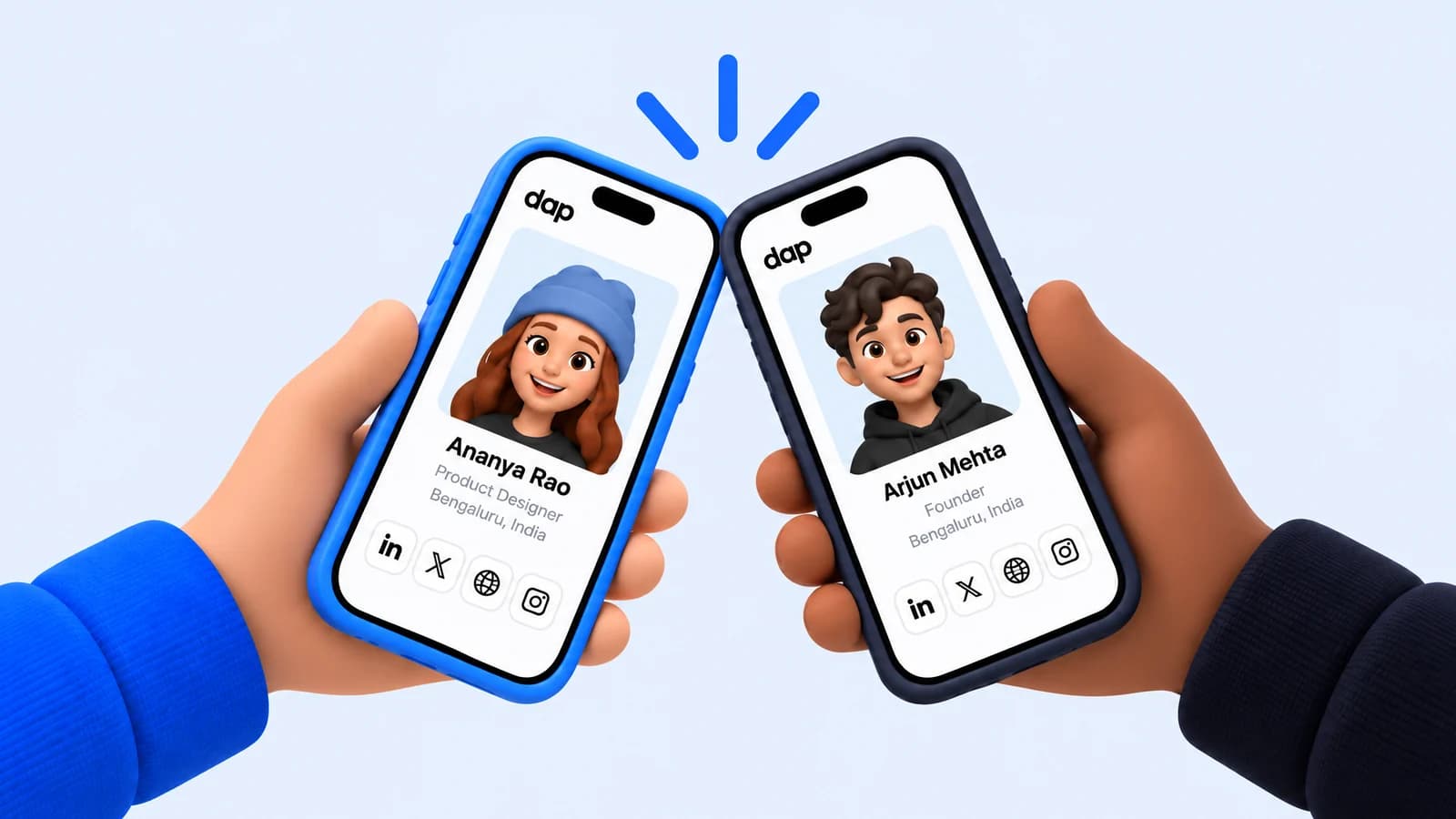
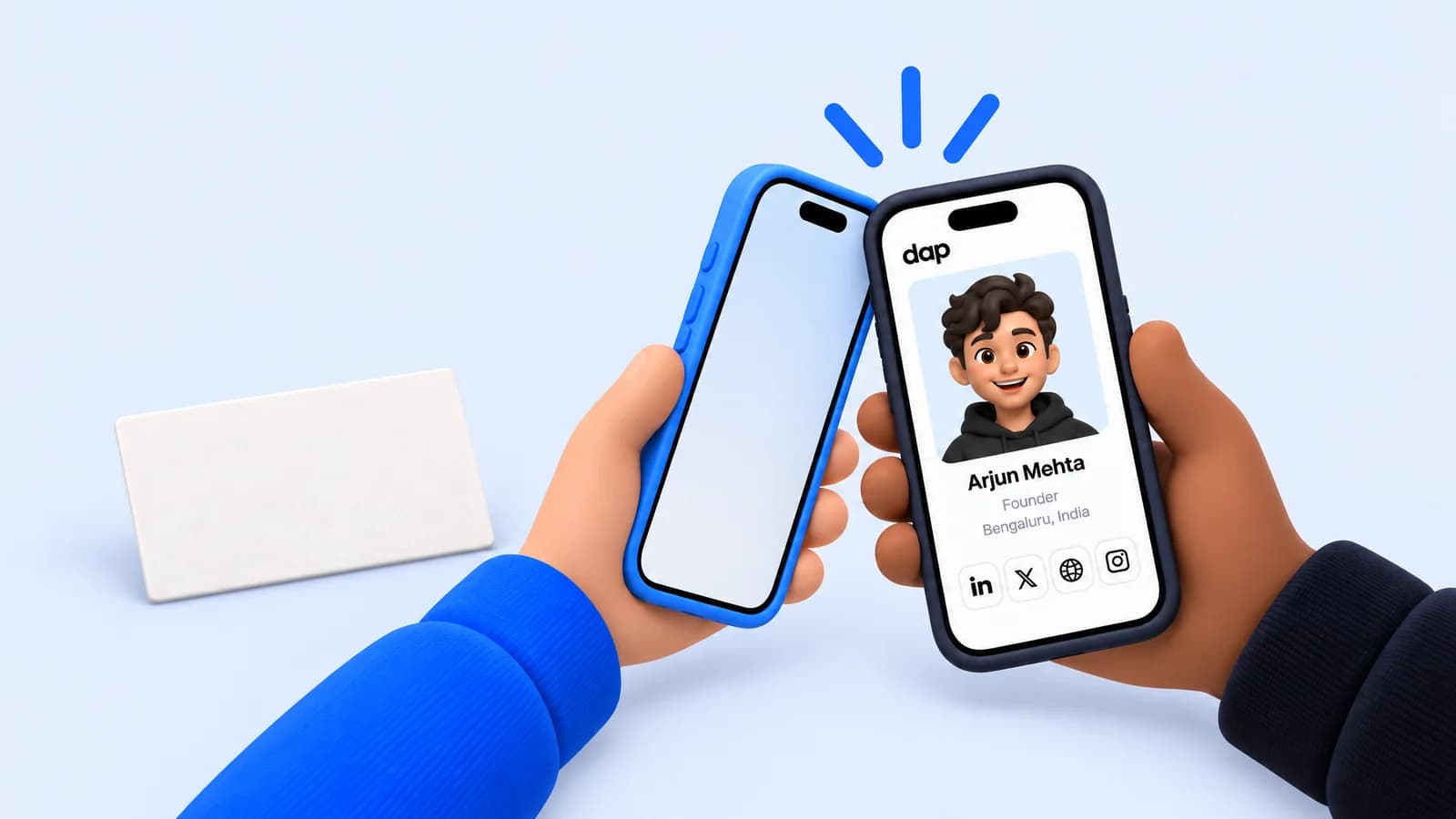
- NFC business cards are a chip in a card, sticker, or ring. The other person holds their phone near it and a link opens. Fast when it works, invisible when it doesn’t.
- QR codes are a printed or on-screen code the other person scans with their camera. Works on almost every phone, needs light and a steady hand.
- Digital business card apps are a profile page plus some way of sharing it, usually a QR code, an NFC card, or a link. The page is the product. The sharing is plumbing.
- Paper business cards still exist, and still have one real advantage. More on that below.
NFC business cards: fast, until they aren’t
When an NFC tap works, it feels like the future. Card meets phone, link opens, done. Modern iPhones read NFC tags without an app, and most Android phones do too as long as NFC is switched on, which it usually is.
The failures are small and social. The other person doesn’t know where their phone’s antenna is, so you both spend ten seconds rubbing a card on the back of a phone like you’re trying to start a fire. Thick cases get in the way. And the card only ever does one thing: it hands over a link. It doesn’t give you their details back.
That last part is the one people miss. An NFC card is a one-way street. You leave the conversation with nothing.
QR codes: universal, slightly clumsy
QR codes won the pandemic and never left. Everyone knows how to scan one. That’s a big deal in a room full of different phones.
The friction is all in the choreography: unlock, open camera, aim, wait for focus in bad lighting, tap the banner, wait for the page. Maybe eight seconds. It doesn’t sound like much until you’re doing it mid-sentence with someone who has a drink in the other hand. It’s also one-way, same as the NFC card.
Digital business cards: the page is the point
A digital business card is really just a page about you with a way to pass it on. The good ones are dull in the right way: your name, what you do, the handful of links you actually want people to have. I wrote a whole post on what belongs on that page, and the short version is less than you think.
The bad ones turn into brochures. Six sections, a video, a downloadable PDF. Nobody reads a brochure at a meetup.
What paper still does better
A paper card is a physical object that stays in a pocket. You find it the next morning and it reminds you, faintly, that you met someone. Digital methods drop the link into a browser tab you will close without thinking.
That reminder is weak, though. The card has a name and a job title. It doesn’t say where you met or why you talked, which is the part you needed. I’ve emptied jacket pockets full of cards that meant nothing to me anymore.
The question that matters more than the transport
Pick any of the four and you’ve solved the easy part: getting a link from one phone to another. The hard part comes later, when you’re trying to remember who that person was.
Two questions decide whether any of these works for you:
- Does it go both ways? If only one person leaves with the other’s details, half the meeting is gone.
- Is it saved with the event? “Who was the person from Tuesday” is how you’ll actually search for them. A link sitting in your browser history can’t answer that.
That’s why I think the tap is the easy part. Dap’s app does the exchange both ways and keeps each connection under the event where it happened, falling back from a tap to a short-range radio or a code when a room is hostile to one of them. The app hasn’t shipped yet. The profile page it hands over has, and you can claim yours today. It’s a plain link, so it works in a text, a bio, or a QR code.
If you want a single recommendation for right now: get a clean page, turn its link into a QR code you keep on your phone, and stop worrying about chips. Then spend the energy on the part no card solves, which is remembering why the conversation mattered.
Questions people ask
- Do NFC business cards work with iPhone?
- Yes. Recent iPhones read NFC tags without an app. Most Android phones do too, as long as NFC is turned on.
- Is an NFC card or a QR code better for networking?
- NFC is faster when it works; QR codes work on nearly every phone. Both are one-way, so neither gives you the other person's details back.
- Are paper business cards still worth carrying?
- They are a physical reminder, but they hold a name and a title, not where you met or why you talked, which is the part you will need later.