There are five common ways to swap details with someone at an event, and every one of them works. The question is which one fits the moment you’re in, and what each one loses along the way.
I’ll go through them in the order I see people reach for them, then the one habit that matters more than the method.
1. Type their number into your phone
The default, and still fine. It costs a minute of standing there while one of you spells a surname. The real problem shows up later: you saved a name and a number, and nothing else. The contact sits in your phone with no idea where it came from. If you use this method, add one word to the name field before you put the phone away, such as the event or the topic. “Priya design meetup” is ugly and it works.
2. Scan a QR code
Fast, and nearly every phone camera reads QR codes without an app. LinkedIn, Instagram and most link pages can show one. The catch is that it only goes one way. They scan you and get your page; you get nothing unless you scan theirs as well. In a loud room people forget the second half.
3. Follow each other on a social app
Good when the relationship belongs on that app anyway. LinkedIn for work, Instagram for the creative crowd. It’s also the method most likely to lose the person in a feed, because a follow carries no reason. I wrote about that in a handle is not an introduction.
4. Hand over a business card
Still common at conferences and still useful as a physical reminder. Most cards end up in a pocket and then a drawer. If someone gives you one, write a word on the back before the end of the night.
5. Tap phones
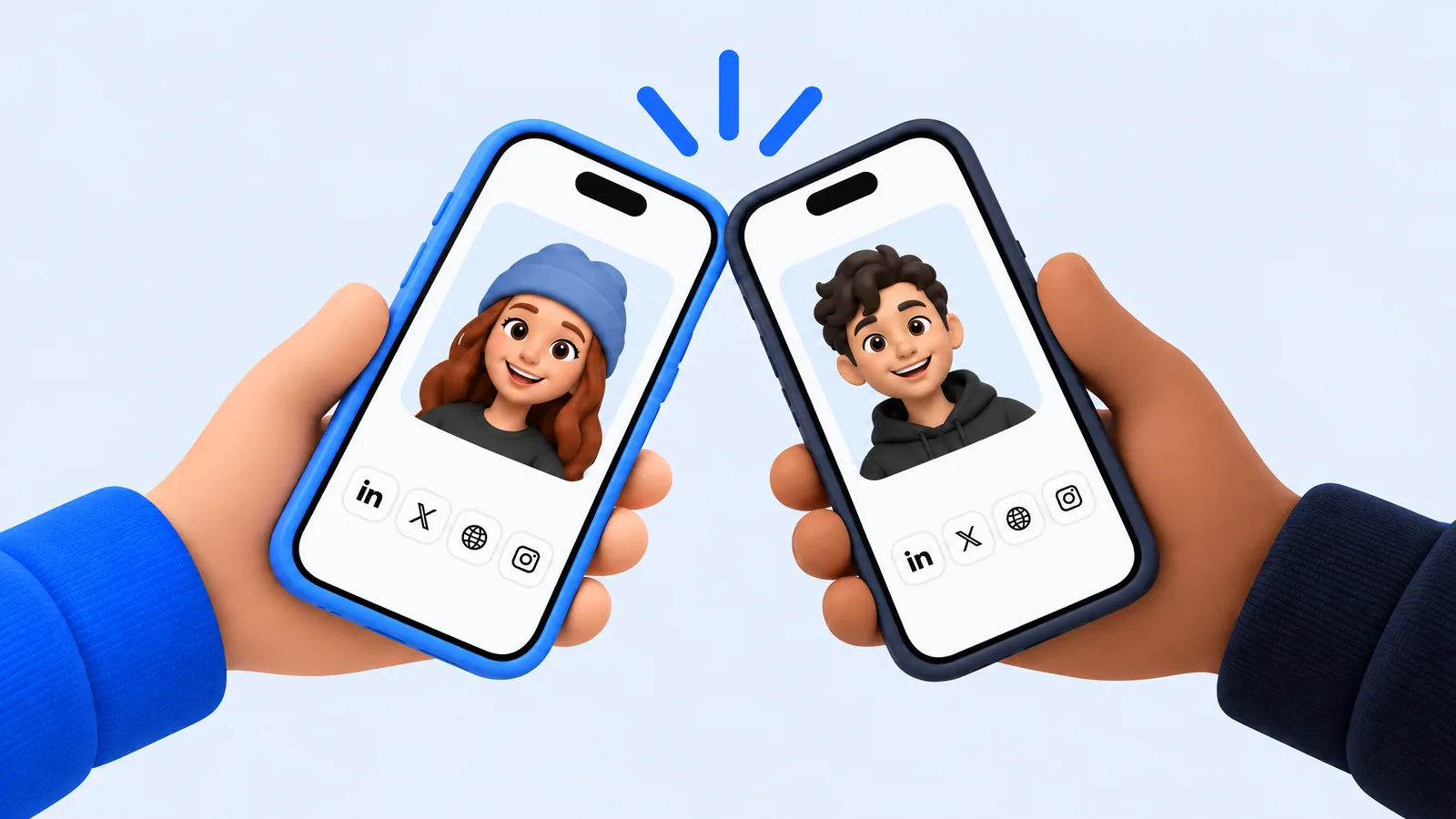
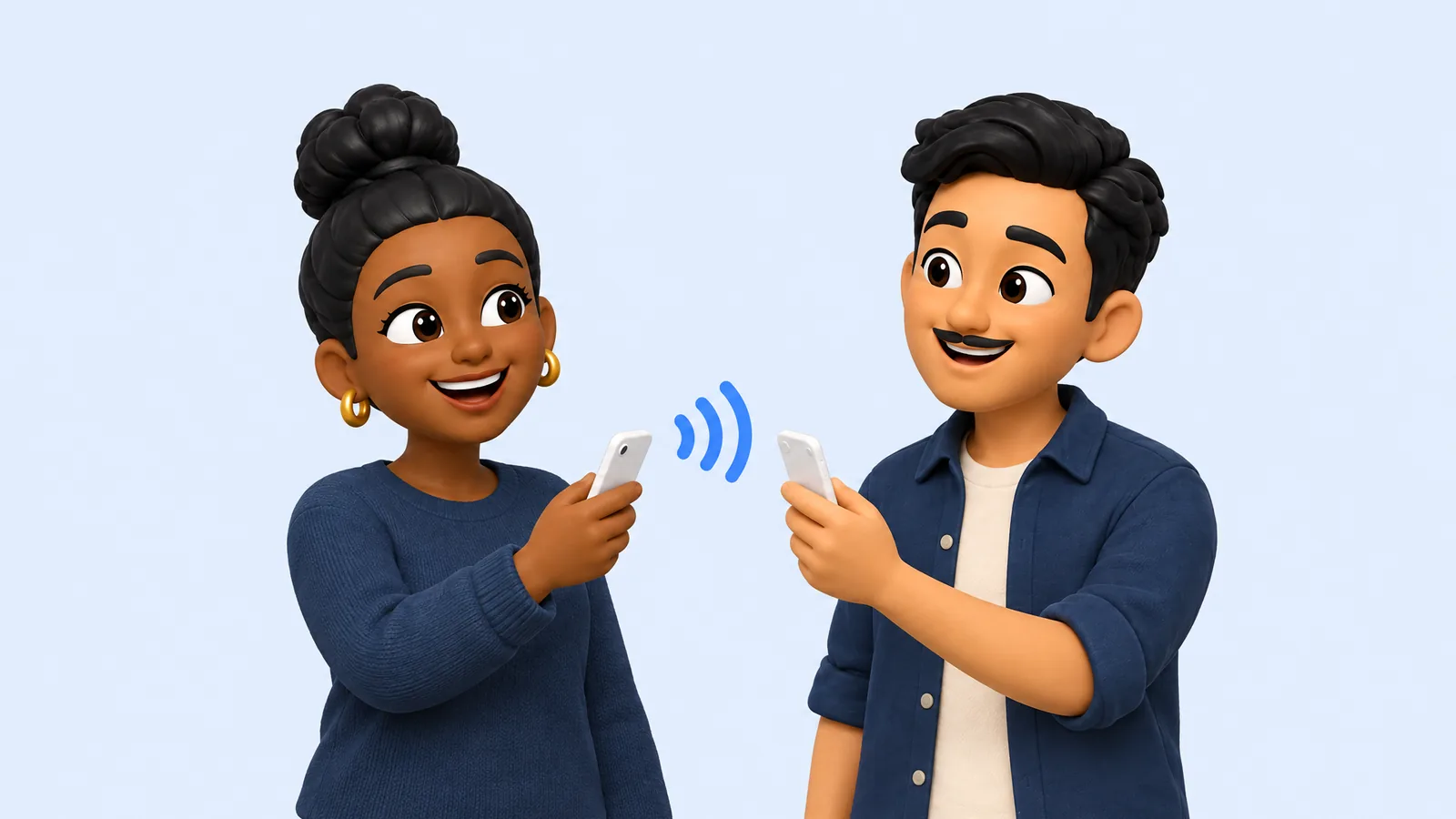
NFC cards and tap-to-share apps let you hold your phone near someone’s and pass your details across. It’s the fastest when it works, and some phones need NFC switched on first. The detail worth checking is whether the tap is two-way. Many NFC cards only share your details, the same as a QR code. There’s a longer comparison in NFC, QR codes, or digital business cards.
Which one should you use?
Match it to what you need back. If you only want them to have your details, a QR code or a link is enough. If you want theirs too, ask for it in the same breath (“send me yours and I’ll send you mine”) or use a method that swaps both at once. If you expect to work together, a phone number or email beats a follow, because a follow is easy to ignore.
If you’re not sure what to say when you ask, there’s a short guide with lines that work in how to ask for someone’s contact.
The habit that matters more than the method
Every method above saves the person and drops the context: where you met, and what you talked about. By the next morning that context is most of what you need. So whichever way you swap, attach two things to the person before you sleep. The event, and one line about why the conversation mattered.
That’s what Dap is being built to do for you. The app that taps phones, swaps both profiles and files the person under the event hasn’t shipped yet. The page you’d share in any of the methods above has: claim your Dap page and you have one link with your name, what you do and where to find you.
Questions people ask
- What is the best way to exchange contact info at an event?
- Pick by what you need back. A QR code or link is enough to share your details; to get theirs too, ask in the same breath or use a method that swaps both at once.
- Do QR codes share contact info both ways?
- No. A QR code only goes one way, so you get nothing back unless you also scan theirs.